Added:May 02, 2005 Rating:
Level: Professional Software:
Photoshop
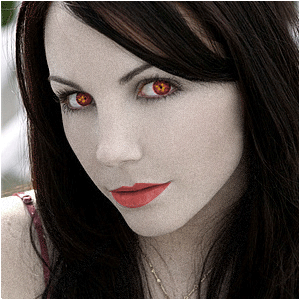
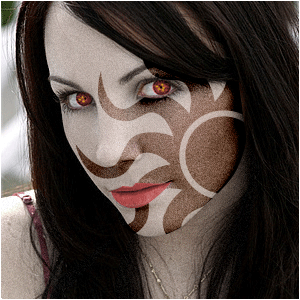
If you played KOTOR2, you should know this effect!
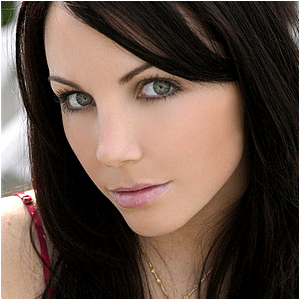
Open up an image of someone who has such a sweet face, you could
almost drown in his/her eyes; (note: this could be everyone, because we
are gonna make that person evil)
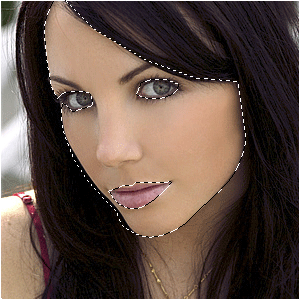
Select the head first; (note: this can be done the best with the pen-tool)
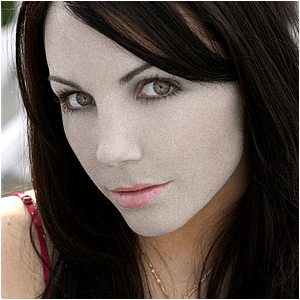
Press CTRL+U and switch the middle slider a bit to the left and add a 3% Noise with FILTER>NOISE>ADD NOISE;
Now do the same with the rest of the body; (note: ...if visible)
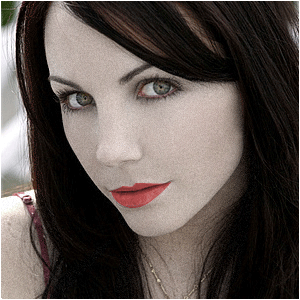
Select the lips and make them fire-red, tained by evil! (note: yes, also for the men)
Select the eyes and do the same, but then add little yellow dots near the middle of it;
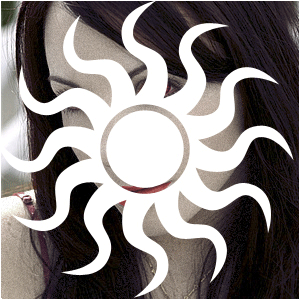
Add this shape wich is stored in the database of photoshop;
(note: place it above the face layer wich must be seperate from the
rest of the body)
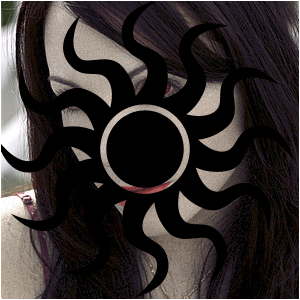
Press CTRL+I;
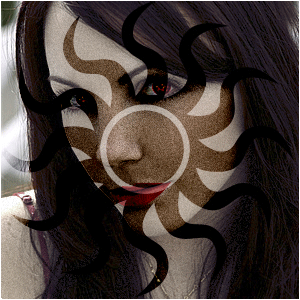
Press CTRL+G;
Place it just right;
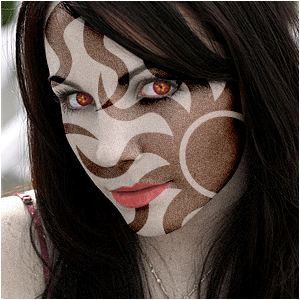
Duplicate the layer and play around with the positions;
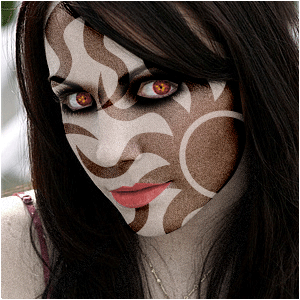
Finally, darken the area near the eyes on a new layer with a black brush and press CTRL+G when you're done...