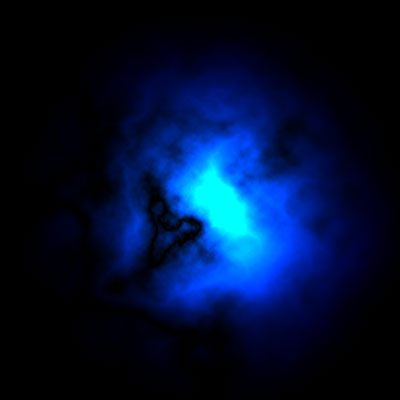
1. Create a new (Ctrl + N), I made the picutre 400 x 400 pixels
2. Filter -> Render -> Clouds
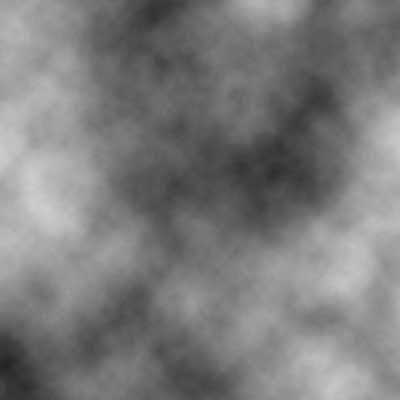
3. Filter -> Render -> Difference clouds, then klick Ctrl-F 3 times
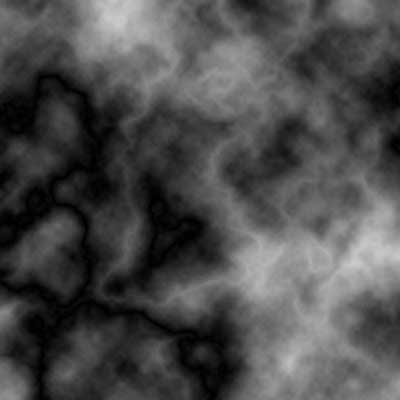
4. Now go to Filter -> Render -> Lighting Effects and set the Style as Flashlight. Like this:
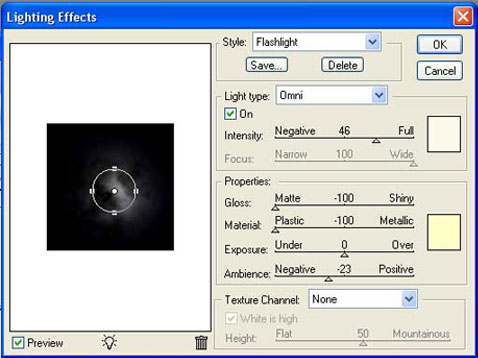
5. Now again go to Filter>Render>Lighting Effects and use the following settings:
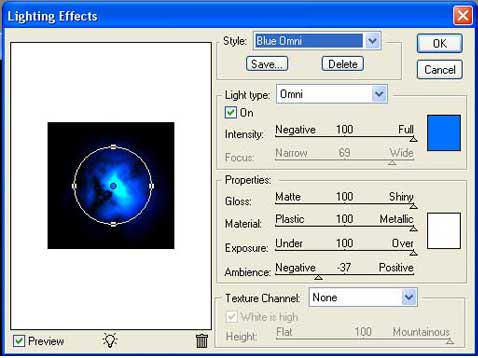
Now you can look at your own galaxy :)