


1. Open an existing picture image.
2. Image -> adjustments -> Desaturate (or 'ctrl+shift+u')

3. Image -> adjustments -> Brightness/Contrast. Play around with the settings a bit and find a good blend (see below)
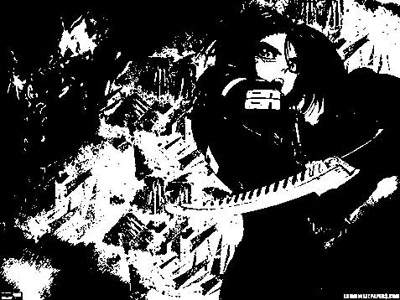
4. use the rectangle marquee tool to select a protion of the picture (or you can use the whole picture) and press 'ctrl+i' to inverse the colors.
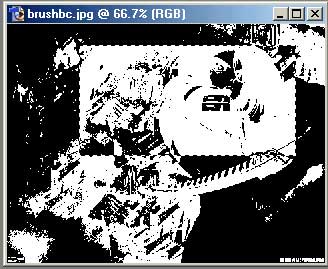
5. Edit-> Define Brush
Bam your done!!
