1. File -> New (477x240)
2. Press 'd' to reset colors
3. Select Gradient tool.Settings:
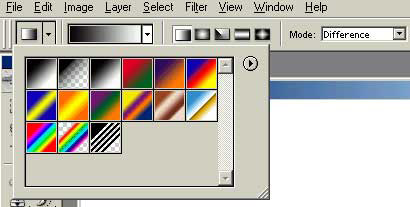
4. Make approxiametly 20 vertical lines using the same angle.
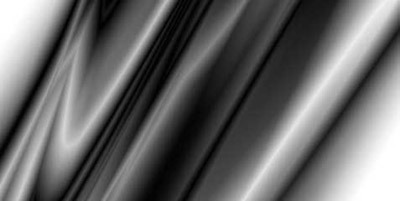
5. Filter -> Stylize -> Find edges
6. Press 'crtl+i' to inverse the colors
7. colorize by pressing 'crtl+u' My settings;
Hue: 210
Saturation: 60
Lightness: 0

8. Create a new layer, and set you foreground and background to two colors seen in the work.
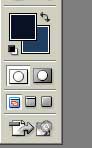
9. Filter -> Render -> clouds
10. press 'ctrl+u' and use same settings used before except set the lightness to about -50.
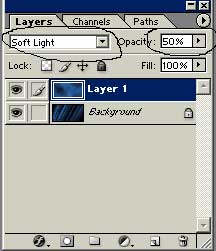
11. Now set the blending mode to Soft Light and the opacity to around 50%
My final product:

My final product with alot of extras added =p: