1. Begin with a new file, I chose 300x200 with white as background color.
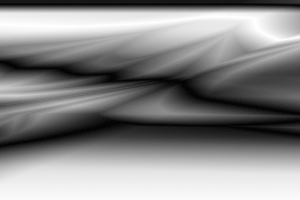
2. Create a new layer, then take the Gradient Tool and set the Mode to Difference, begin to draw the gradient from top to bottom a few times then can you go crazy all over the canvas.
Now should it look something like this.
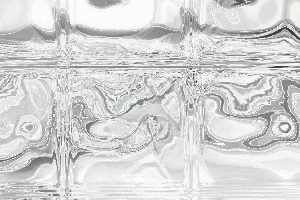
3. Then go to Filter>Stylize>Find Edges, then go to Filter>Distort>Glass and set Distortion to 11, Smoothnes 3 and Texture to Blocks.
Now should it look something like this.
4. Then press Ctrl+U and apply this settings.
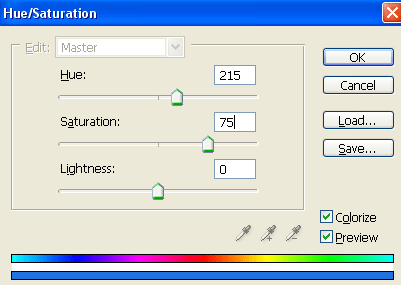
Click OK and you are done!
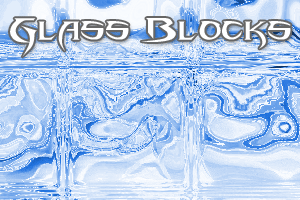
This is what i came up with.