1. Begin with a new file, 250x250, with black as background. Then create a new layer.
2. Take the Rounded Rectangle Tool and draw out the shape you want on your frame.
3. Then take the Gradient Tool and do as the image below shows.
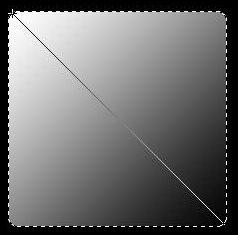
4. Go to Select>Modify>Contract with 6 Pixels. Then once again take the Gradient Tool but this time you draw your line from the bottom right up to left.
Now should it look like this.
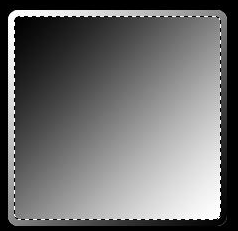
5. Once again go to Select>Modify>Contract with 6 Pixels, then hit delete.
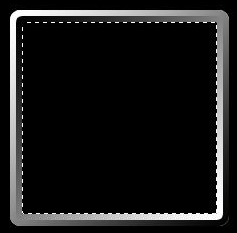
6. Then go to Select>Modify>Expand with 6 Pixels, then create a new layer and go to Edit>Stroke> with 1 Pixels and with a white color.
And you are done!
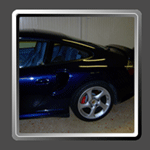
This is what i came up with. ( Click for larger view )
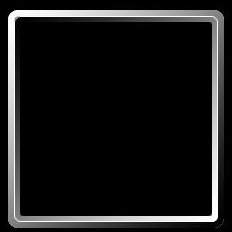
You can use this to your photos to get a nice frame on them.