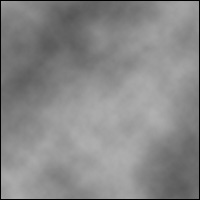
1. Begin with a new file, 200x200, and with a transparent background. Then set your foreground color to black, and your background color to white. Now go to Filter>Render>Clouds.
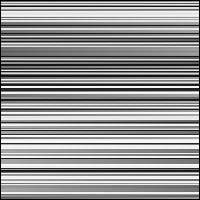
2. Then go to Filter>Pixelate>Mezzotint, and choose Medium strokes. And then go to Filter>Blur>Motion Blur, and set the Angle to 0, Distance 999.
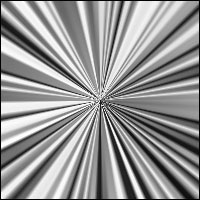
3. Now go to Edit>Transform>Rotate 90 CW. Then go to Filter>Distort>Polar Coordinates, choose Rectangular to Polar.
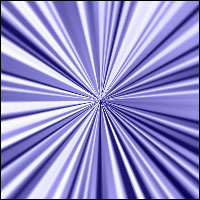
4. And the last thing to do, go to Edit>Fill, choose any color, but make sure you set the Blending Mode to Color.
This is what I came up with.