1. New document, 300x300 pixels will be nice, white background.
2. Reset colour palette, press D.
3. Filter > Render > Difference Clouds a few times until you get something nice like mine.
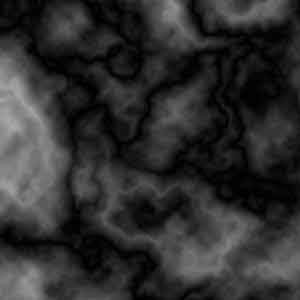
4. Filter > Render > Lens Flare several times with 50-300mm Zoom on 50% Brightness.

5. Use Filter > Brush Strokes > Accented Edges.
6. Press Ctrl + F to repeat the filter.

7. Press Ctrl + L to bring up the Levels dialogue, and just press Auto to give your image some more contrast. Or you can even use Image > Adjustments > Contrast for a better effect.
8. Finally give it some colour by pressing Ctrl + U and checking colourize. I used 326/60/-5.