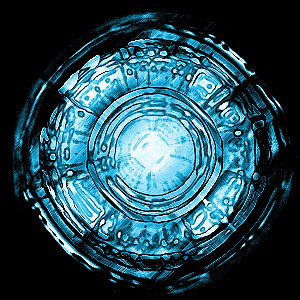
1. Start with a new document, 300 x 300 pixels and a black background.
2. Create a New Layer.
3. Add a Lens Flare on 120% to the middle of your image.

4. Now duplicate this layer.
5. Apply a Plastic Wrap to the top layer with Highlight Strength on 20, Detail on 10, and Smoothness also on 10.
6. Change the Blending Mode of the top layer to Colour Dodge.
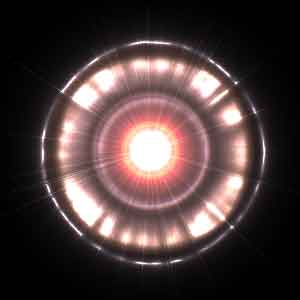
7. Select the top layer and press Ctrl + E to merge the layers together.
8. Apply the Plastic Wrap again with the same settings, 20, 10, 10.
9. And finally use Filter > Brush Strokes > Ink Outlines with a Stroke Length of 30, a Dark Intensity of 50 and a Light Intensity of 8.
9. There you have it! If you don't like those colours, then simply Press Ctrl + U and check colourize, and change the colour of your bacteria. Enjoy!
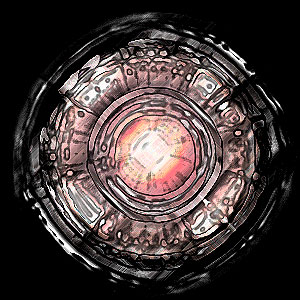
Here is mine with a colour change...