1) Make a new document, anysize doesn't matter. Press CNTRL+D to reset your pallete colors. Set your background to White..
2) Select the gradient tool and set these settings at the top:

3) Go nuts and make about 20 lines intertwining together:

Untill you get it looking like this:

4) Apply these hue settings (CNTRL+U):
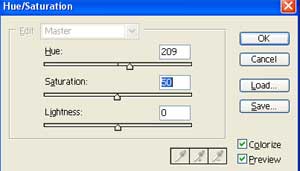
5)
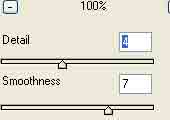
Duplicate the layer. Apply Filter>Sketch>Chrome with these settings:
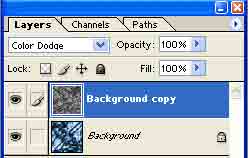
Change the blending mode to Color Dodge:
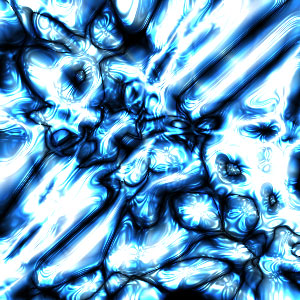
Now you should have something looking like this:

6)
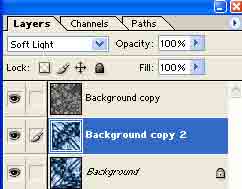
Duplicate the background layer. Change blending to Soft Light:
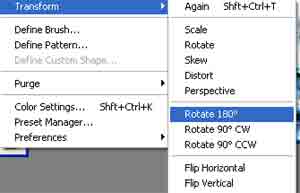
Flip the image:
Done dodda!