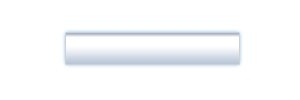
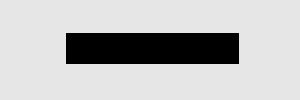
1) Create a new document, pick any size you want. I used 300 x 100 for this tutorial. 2) Make a new layer. Select the Rectangular Marque Tool and make a nice rectangle selection and fill it in with black:
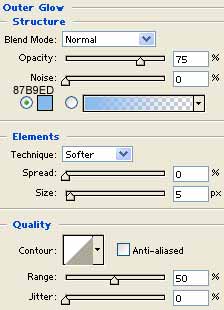
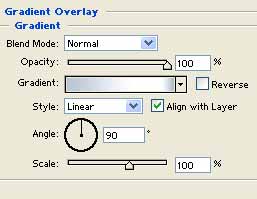
3) Move on by right clicking the layer and going to Blending Modes and applying all these settings:
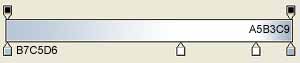
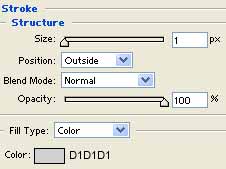
4) Your final piece should look like: