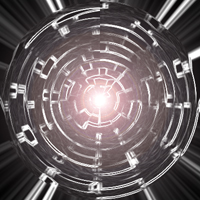
Open a new document, it has to be 300x300 or bigger. Hit D on the keyboard.
Go to Filter > Render > Clouds and then Filter > Stylize > Extrude...
Type: Blocks
Size: 30
Depth: 30 (random)
Go to Filter > Brush Strikes > Accented Edges where you keep the settings and go to Filter > Stylize > Find Edges.
Edge Width: 2
Edge Brightness: 38
Smoothness: 5
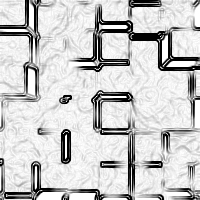
Go to Image > Adjustments > Invert (ctrl + i) and then Filter > Distort > Polar Coordinates and set it to "Rectangular to Polar"
As the last we are going to set the light with Filter > Render > Lens Flare, use "50-300mm Zoom" and set it in the middle.
You are finish.