Open a new 150x75 px document with transparent background. Hit D on your keyboard and grab the Rounded Rectangle Tool. Go to Options Bar and set it to Fill Pixels...
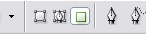
...and the Radius to 4 px. Make a small nice button on the document.

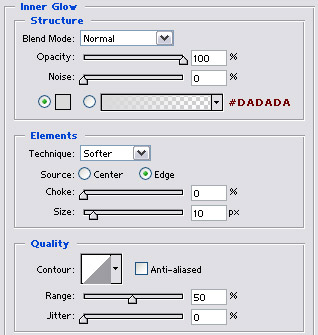
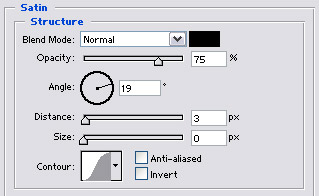
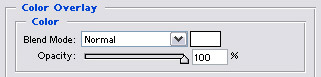
Go to Blending Options
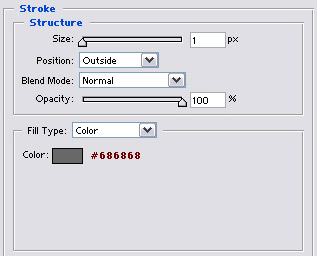
You are finish.