Find a picture on the internet to do this tutorial on. I have chosen a picture from an airport.
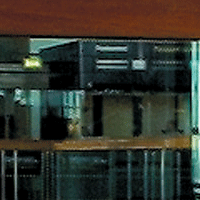
Grab Single Column Marquee Tool and set the selection on the picture. Go to Edit > Free Transform. Then pull to the left or the right side in the middle box. End the action by clicking the accept-icon in right side of Options Bar.
These first steps were actually the Pixel Sketch-tutorial. Now look at the effect on the picture. Try to find something nice. I have marqueed a great area of my picture with a cirkel.
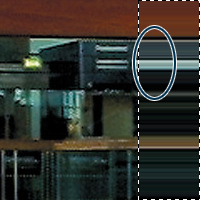
Grab Rectangular Marquee Tool and select that part of your picture that you are going to use. Go to Image > Crop to remove the unselected parts of the picture.
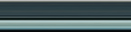
Now I have found a great menu-bar. Then paste it into a design.
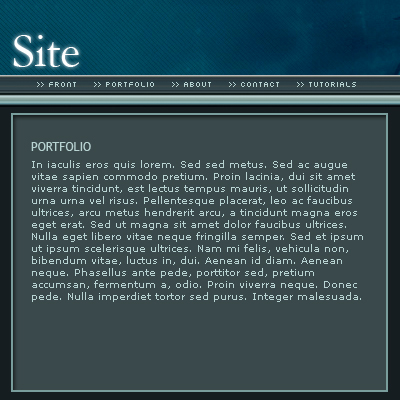
View my final picture in the bottom of this tutorial.
You are finish.