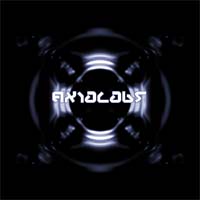
Make a strange/weird looking texture effect.
Step 1
Start with a new document about 400x400 and fill it with a black background.
Step 2
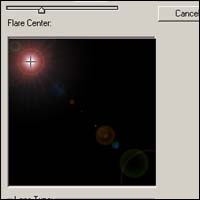
Now go to Filter > Render > Lens Flare and position it in the top left like the image below.
Step 3
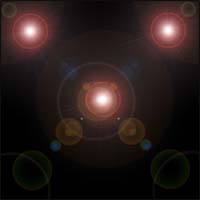
Repeat step 2 but this time position the lens flare in the top right, then repeat step 2 again and position the lens flare in the centre. You should have something like this now..
Step 4
Now go to Filter > Sketch > Chrome and use these settings ( Detail: 4 Smoothness: 7 )
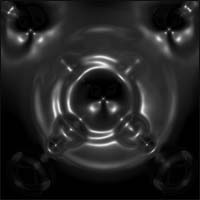
Step 5
Now go to Image > Adjustments > Hue/Saturation ( Ctrl + U ) and pick colours of your choice, then duplicate your layer
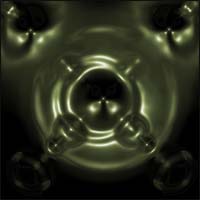
Step 6
Now go to Edit > Transform > Flip Horizontal and set the blending mode to linear dodge. Now press Ctrl + E to merge the layers.
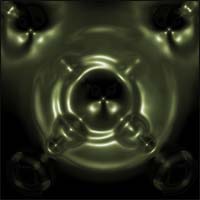
Step 7
Now duplicate the layer again but this time flip vertical ( Edit > Transform > Flip Vetically ), but this time setting the blending option to linear burn then press Ctrl + E to merge the layers again.
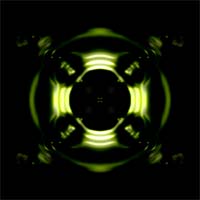
Final Image
Now you are finished, you can change the colour again by pressing Ctrl + U and add some other stuff like i have below.