

First thing we need to do is, to open up a new image. I used 300 x 300 pixels.
This tutorial so easy to make, I shall be using it as a splash image, but you can of course do anything with it.
Phase One:
S1: Just press x followed by d, and fill your 300 x 300 pixel image in black:
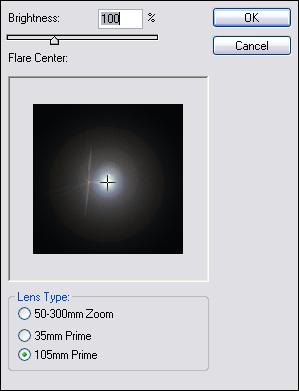
S2: Filter>Render>Lens Flare, with these settings:
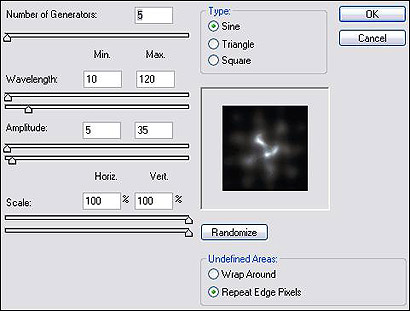
S3: Simply add this; Filter>Disort>Wave and these settings
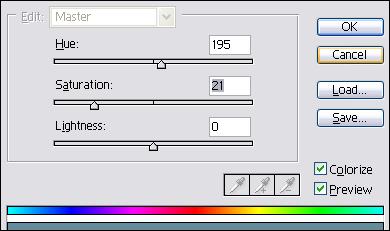
S4: You can keep it like that, or not press and hold "CTRL+U" and then use these settings.
Phase Two:
S1: Add you text, and voila, you should now have something like mine:
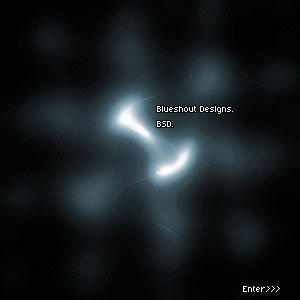
A splash page in three easy steps!
