


This is another easy effect to make. It is unpredictable, so you'll most likely get a different style, each time you make it. I feel it makes a great background for a banner, simply because of how "unusual" it is.
Before you do anything, press x and then d on your keyboard..
Phase One:
S1: Open up an image 300 x 300 pixels.
Fill it in black with the paintbucket tool:
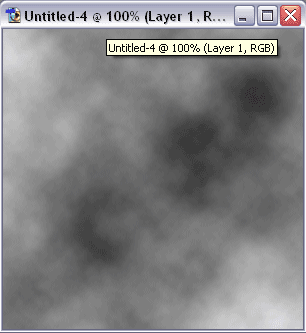
S2: Go Filter>Render>clouds:
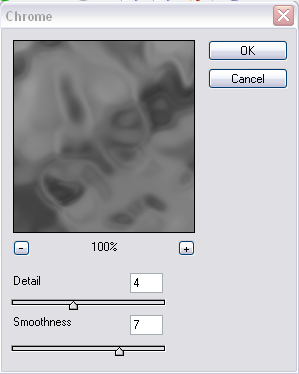
S3: Now go Filter>Sketch>Chrome, with these settings:
Phase Two:
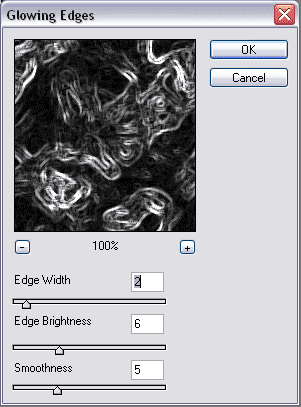
Now you need to go, Filter>Stylize>Glowing Edges, with these settings:
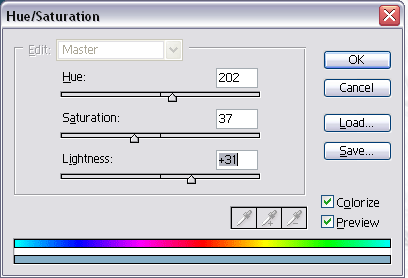
Press "Ctrl+U", and use these settings:
You should now have something like mine: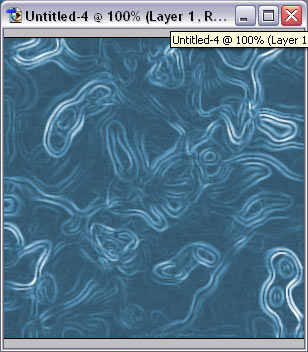
If not, don't worry, just keep on trying.
