


Open your image. I used 300 x 300 pixels
This tutorial is funky, add a cool 3d wave effect to your images.
Phase One:
Press X then and then D on your Keyboard.
S1: Fill your image in black. With your rectangular marquee tool, make 2 box's.
Like so:
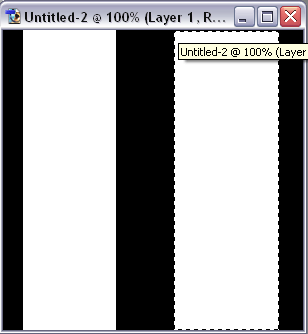
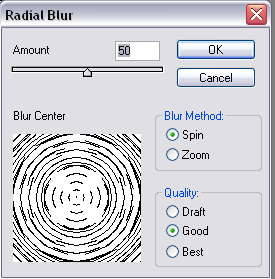
S2: Now, Filter>Blur>Radial blur with these settings:
S3: Filter>Sketch>Chrome with defualt settings. And then Filter>stylize>Find edges
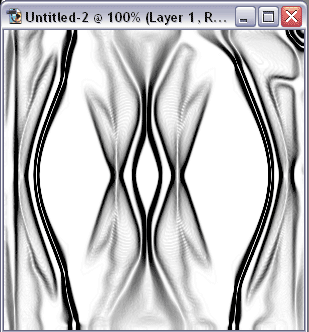
S4: Now press "Ctrl+U" woth these settings
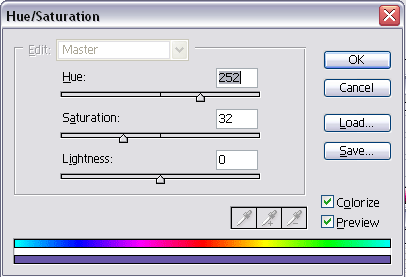
You should have something like mine:
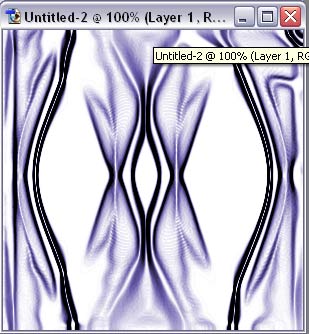
If not, don't worry, just keep on trying.
