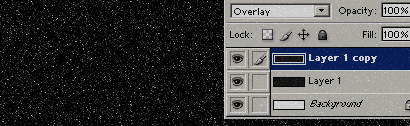
Start a new document whatever size you want
- Create a new layer and fill it with black.
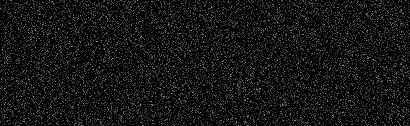
- Then go to Filter->Noise->Add Noise.
Set: Amount: 20Distribution: Gaussian Monochromatic: Checked
Note: The more "Amount" you set, the more stars where will be
Duplicate this layer and set it to: Overlay.
Thats it.