


Start a new document about 15x15px. (YES, that small).
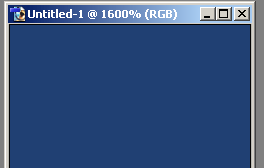
Now Zoom in as much as you can, thats 1600%, then use the fill tool and fill it with a color that you want your main background color to be. I used. #204073
Then create a new layer.
Now use the square marquee tool and create a 1px by 1px selection.
Then fill with another color as the pattern's color. IT works best if you use a lighter variation of your main background color. Im using #3E5F97
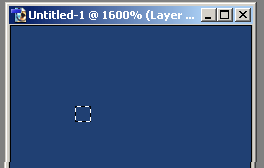
Now just duplicate that 1px layer and position it somewhere else.
Keep duplicating and move the 1px around randomly.
To the left is what I randomly created.
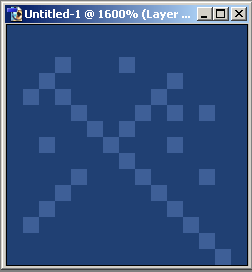
Now save that image and use it as your webpage's background.
Here is the code.
| <body background="yourImage.gif"> |
To the left is a background using the above image I created.
Below are some other backgrounds I created using the above technique with some modifications, such as using multiple colors for the 1px layer. You can download each one and use for your own site. Right Click on the link and choose Save target as...
| Download this one | Download this one | |
| Download this one | Download this one | |
| Download this one | Download this one |



