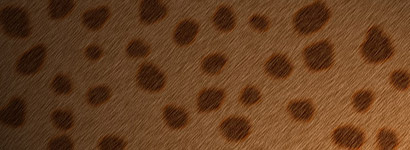
- Start a new document.
- Fill the background with #AC703D
- Set your foreground color to #64300A
- Create a new layer, and use hard edge brush and paint your spots. similar to mine.
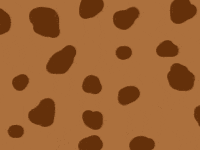
- Now apply a 1px stroke to the spots. (Layer> Layer Style->Stroke) Stroke color: #B14D03
Now Flatten the image: Layer->Flatten Image.
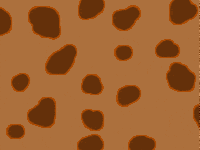
- Now go to Filter->Blur->Gaussian Blur: set 1px
- Now add some noise: Filter->Noise->Add
Noise.
Amount: 15%. Distribution: Uniform.
Monochromatic: Checked
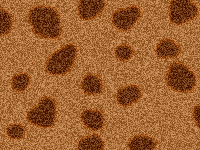
- Now add some motion blur: Filter->Blur->Motion Blur: Angle: 45. Distance: 6
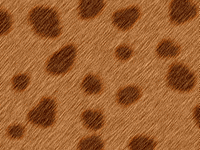
Here is mine after applying
some lighting effects.
(Filter->Render->Lighting Effects)