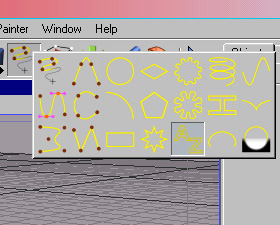
Open up a new image in Cinema 4D. Hold down the draw freehand spline object, and select the add text spline tool.
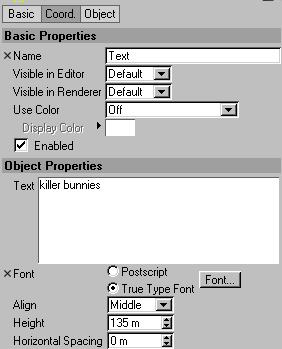
Under object properties, type the text you want in the picture, and select your preferred font. I am using conduit, which can be found by going here. You may also want to change the height of the object.
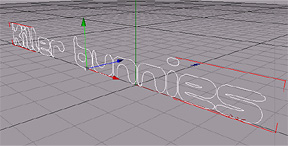
It should now look something like this:
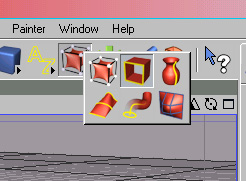
Hold down the add hyper NURBS object button at the top of your screen, and select add extrude NURBS object.
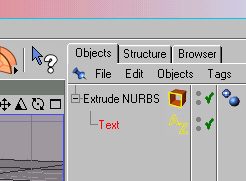
In the objects window, drag the item that says "text" into the "Extrude NURBS" above it. It should look like below:
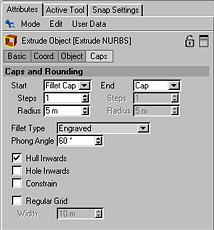
In the attributes window, click on CAPS. Set start to "fillet caps". Set the fillet type to whatever you like. I chose engrave.
Now you can add material, play with effects on different programs, etc... Here is the finished product: