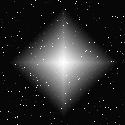
In order to draw a galaxy lets begin with diamond gradient again, with its corner down (set the cursor in the center of the canvas and while holding Shift drag the stretching upright down).
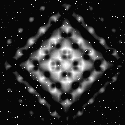
Now apply to our gradient a filter from Filter
> Distort > Glass with the following
settings: texture is Thin lens, Distortion 5,
softness 3, scale 100%.
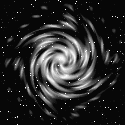
Then Filter > Distort > Whirl,
angle 260.
Paint our galaxy in the Hue/Saturation dialog from
menu Image > Adjust, in the pop-up
window set checkmark in Coloration and move sliders
in the scales, changing Hue and Saturation.
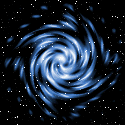
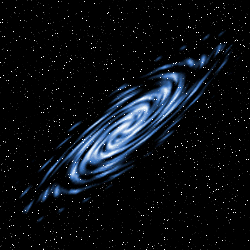
That was a galaxy, top view. But you can easily
obtain a sideview one by transforming the previous
picture with Scale and Rotation from menu Edit
> Transform.