

Let's tackle a photorealistic pin button.
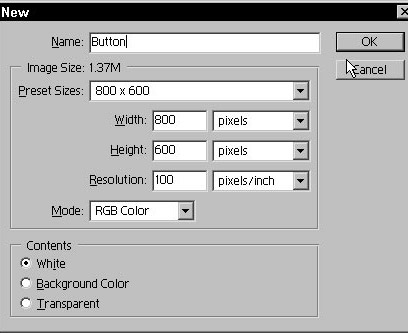
To begin, create a new image with the following
settings:
•
Name: Button
•
Preset Size: 800x600 pixels
•
Resolution: 100 dpi
•
Mode: RGB
•
Contents: White
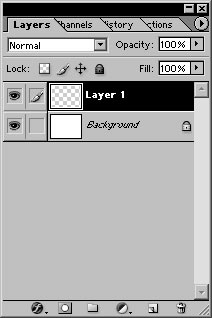
On the bottom of the Layers palette, click the Create a new layer icon.
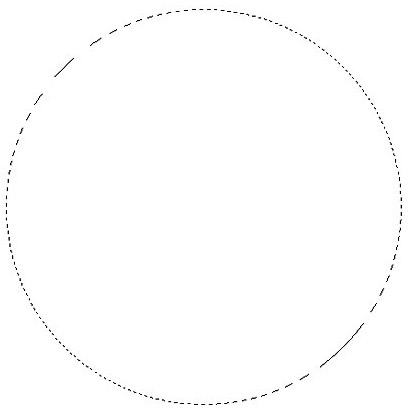
Select the Elliptical Marquee tool. Set the Feather to 0, Style to Fixed Aspect Ratio, Width to 6 and Height to 6.

Draw a large selection in the middle of the new layer.
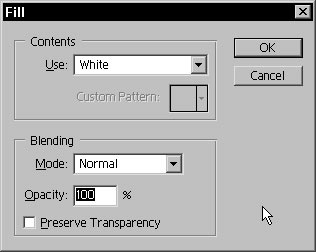
Fill the selection with white.
Duplicate the layer in the Layers palette.
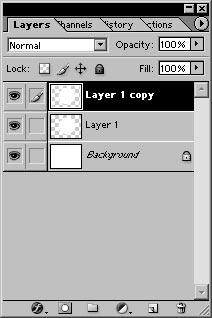
Hit 'D' to reset the foreground and background swatches.

Go to Edit>Stroke. Enter the following Stroke settings:
•
Width: 8 px
•
Color: Foreground/Black
•
Location: Inside
•
Mode: Normal
•
Opacity: 100%
•
Preserve Transparency: unchecked
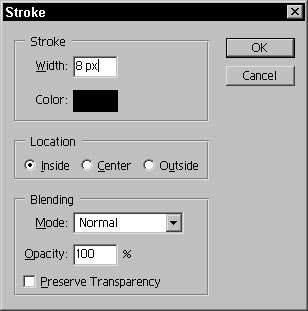
Click OK.
Go to Filter>Blur>Gaussian Blur. Set the Blur Radius to 10 pixels and click OK.
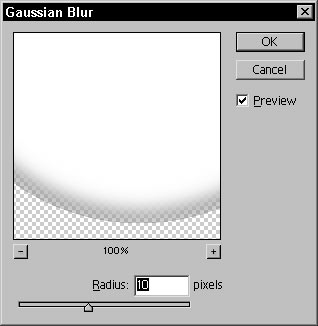
We are going to create a displacement map to apply to the photo later. Hit Cmd/CTRL+C to copy the contents of the selection.

Go to Image>New. The new image dialog box will already have the correct dimensions to hold the copied layer contents, so name the new image button map and click OK.
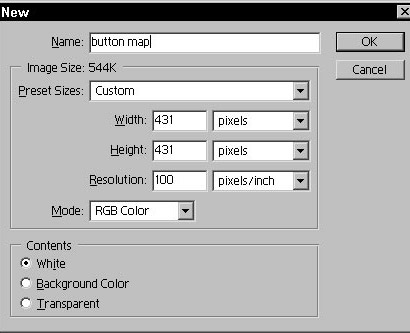
Hit Cmd/CTRL+v to paste into the new image.
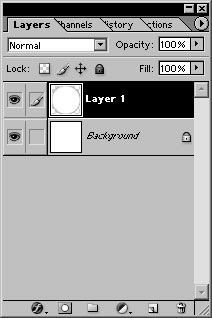
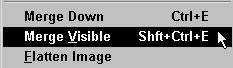
Merge the layers of the new image together.
Go to Image>Adjustments>Invert.

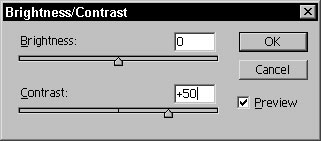
We need to brighten the white up a bit. Go to Image>Adjustments>Brightness/Contrast. Increase the contrast to +50 and click OK.
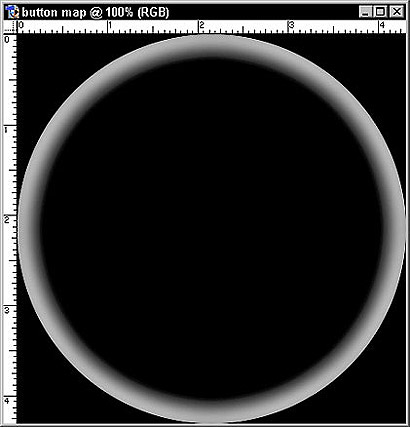
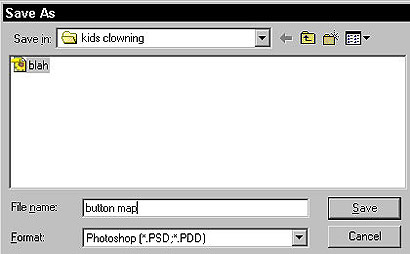
Save the image as a .psd file somewhere on your computer where you can find it again in a few minutes.
 Al Ward, a certified Photoshop Addict and Webmaster of Action FX Photoshop Resources (