

Easy way to make explosion is that
Open new transparent file with
width=800 pixel
height=600 pixel
resolution=72
mode=RGB
Now set te fore ground colour Black & back ground colour in toolbaer colour menu.
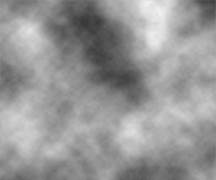
After that go in filter > render & select Clouds. Now screen looks like that
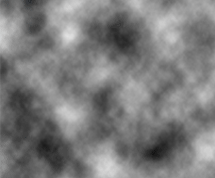
Now press CTRL+I (i) to invert this selection. It is not necessary but recommended. Then the image looks like
Now insert the new layer and then pick the colour of brush as red (#FE0107) and thn Yellow (#FEFB01) and thrn White (#FFFFFF). Now make a picture like that or looking like that
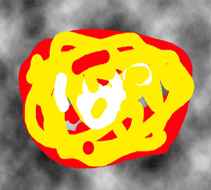
Make sure that Brush Mode=normal, Opacity=100%, Flow=100% and brush capability is not enable.
Now go in Filter > Blur > Gaussian Blur
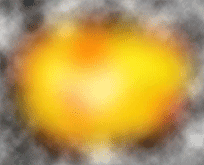
Radius=37.9 pix or 45.9 pix (both recommended) with the 45.9 pix image looks
like
Now put brush layer first or above than the layer of clouds and then select Color Dodge in the Blending mode for the layer Where "Normal" is written in Layer tab. (Windows > Layer). The image is ready.
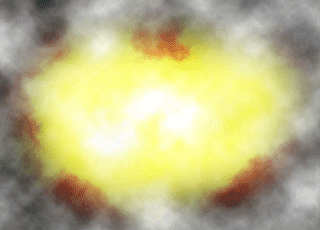
Thanks.
These images are not So good because these are web JEPG compressed image but when u make them they look perfect.
