1 | 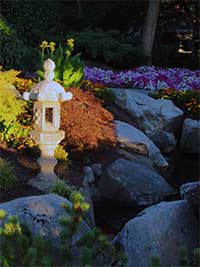 | Open the image for editing. Highly detailed photographs will work best. |
2 | 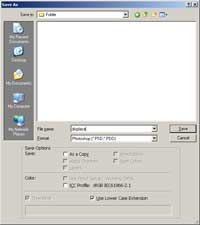 | Save the image as (Shift+Ctrl+S) a Photoshop document (*.PSD). |
3 | 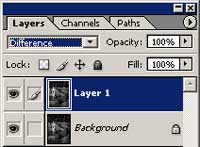 | Duplicate the current layer and change the blending mode of the new layer to Difference. |
4 | 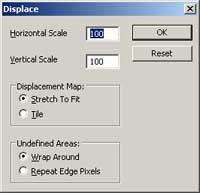 | With the top layer selected, use the Displace tool (Filter> Distort> Displace) to apply the following properties: Horizontal Scale: For a 3 megapixel image, use 100. Lower or increase the scale according to your image size. Vertical Scale: For a 3 megapixel image, use 100. Lower or increase the scale according to your image size. Displacement Map: Stretch To Fit Undefined Areas: Wrap Around Displace File: Choose the file you've saved in step 2 |
5 | 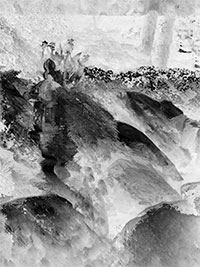 | Invert (Ctrl+I) the current layer. Rollover the image in this step to see the original image before this Photoshop technique was applied. |
Her
Chinese Brush Painting
Added:Jul 07, 2005 Rating:

 Level: Experienced Software:
Photoshop
Level: Experienced Software:
Photoshop
Level: Experienced Software:
Photoshop
