1 | 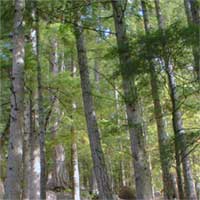 | Open the image for editing. |
2 | 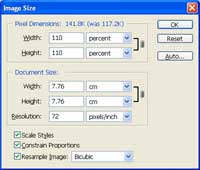 | Use the "Image Size" tool (Image> Image Size) to apply the following properties: Width: 110 percent Height: 110 percent Resample Image: Bicubic Click OK. |
3 | 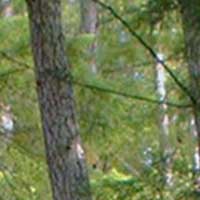 | Repeat step 2 until you've enlarged your image to the size you want. Here is a cropped area from a stair interpolation. |
4 | 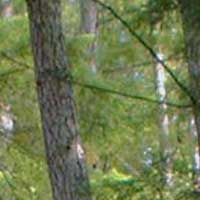 | Here
is a cropped area from a normal bicubic interpolation. As you can see,
there is very little difference in the two methods. When magnified, the
stair interpolation method seems to do a slightly better, almost
unnoticeable, job in high contrast areas. |
Her
Fred Miranda's Stair Interpolation
Added:Jul 11, 2005 Rating:


 Level: All levels Software:
Photoshop
Level: All levels Software:
Photoshop
Level: All levels Software:
Photoshop
