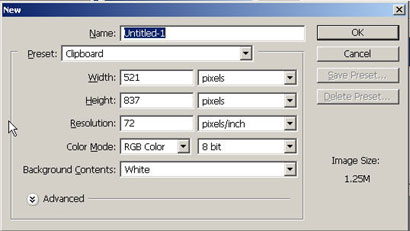
Start off with a new document. You can refer to this tutorial with your Photoshop open or just go through it to let everything sink in first.
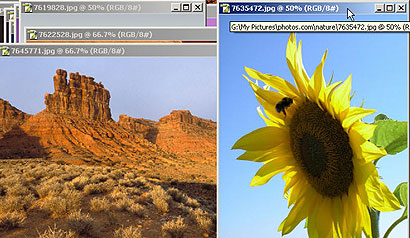
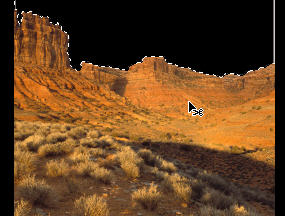
Choose a Western theme photograph. I quickly browsed through hundreds of images from my Photos.com collection and found several that were ok and then found the one I was looking for; something to represent the wild west frontier. You'll learn to develop the habit of having an 'idea' and then knowing that you've found exactly what you're looking for when you see it.
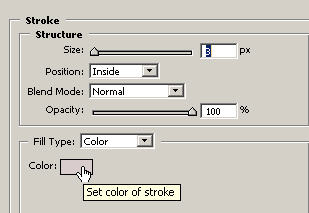
Since this whole tutorial is still a general concept or direction in which I'm leading into (while capturing it), I've created a Inside stroke on the background layer. Bring up the Stroke dialog box by double clicking on the layer and choosing inside as the position. I may or may not use this later.
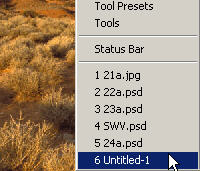
Working in full screen mode (FF) it allows me to see the borders with the blackground.
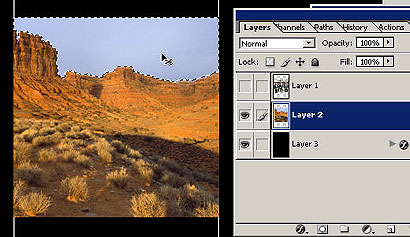
Select your Western sky with the magic wand tool and Ctrl/Cmd X for edit: cut. Of course make sure you are on the layer in the layers palette.
Here I'm going to choose an image of the dirty half dozen and make a selection. There are many ways of making selections and advanced ways of looking at finished designs which I cover Inside the Design in the Photoshop Designer Package (now including TONS of free downloads!).
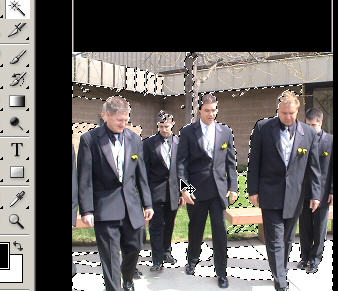
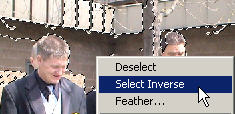
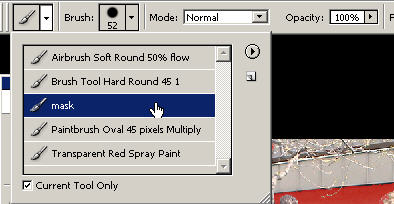
Since this is a fairly more complex selection than usual I'm going to use the quick mask mode 'Q' with my preset Masking brush (with a slightly soft edge).
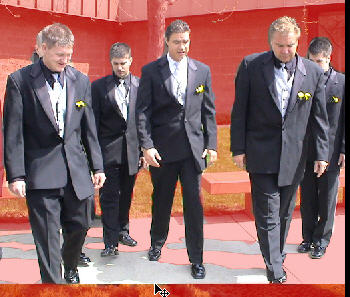
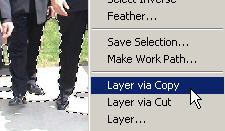
Press 'Q' again to exit the quick mask mode and see your selection. Now right click and layer via copy.
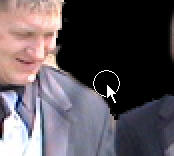
Now you can grab your eraser (E) tool and go in with the zoom tool (Z) to just touch up rough edges of your selection by erasing pixels (or history brush, or smudging, healing...). Make sure they are smooth and cleaned up. Clean and crispy (with a hard edged brush). I always use a slightly soft brush (around 90%).
Here you can see a before and after. It looks like I was in a hurry in the quick mask mode but I can continue to touchup this layer to get it as tight and close to realism as possible.