Her
Home
Photoshop Tutorials
Special Effects
Rough Stone
Rough Stone
Author: perfectpixels.com
Author's URL: www.perfectpixels.com
More by this author
- Here is a quick and easy rough stone texture. Start
with a new grayscale image. Make sure your color chips are set to the
default (Black foreground, White Background).
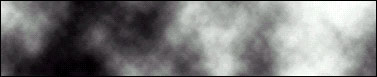
- Now, Choose Filter/Render/Difference Clouds.

- Next, apply Image/Adjust/Equalize.
- Now, Apply Filter/Stylize/Emboss, we used settings of 135,3,300
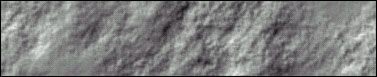
- If
you apply Image/Adjust/Equalize again you can get an almost lunar
mountain texture and if you invert it you get lunar valleys.
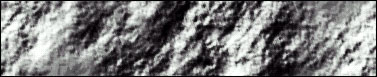
- If
you want to add a little color to the stone you can change the
Mode to RGB mode. Then, if you choose Image/Adjust/Hue and
Saturation and check the colorize box and play around with the sliders,
you can change it's color.