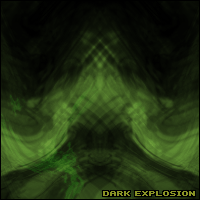
Start off by making a new Document, I used 200x200 Pixels... but it doesnt matter.
1. Start off by going to Filter > Render > Clouds, and then Filter > Render > Difference Clouds.
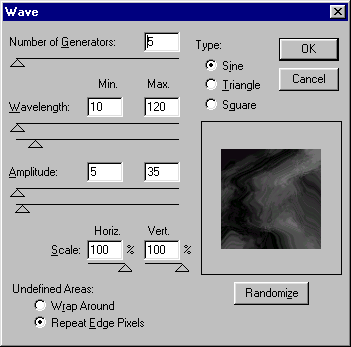
2. Then go to Filter > Distort > Ocean Ripple, and then Filter > Distort > Wave, and use the Settings Below.
3. Now Set the color 'CTRL + U' And then Duplicate that Layer, Set the blend Mode to Overlay
And then go to Edit > Transform > Flip Horizontal, And your done!