


How can I make bevels without screwy corners?
Here's a simple way to make perfect bevels every time.
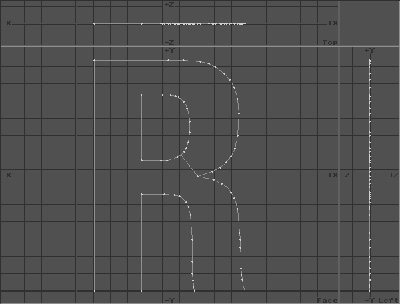
Here's a happy R. It looks just fine. We want it beveled, and still looking fine.
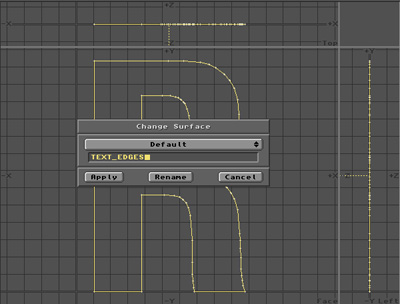
Step 1 - Select the polygon and surface it with an "EDGES" surface.
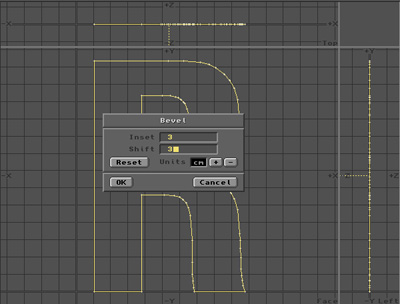
Step 2 - Bevel it.
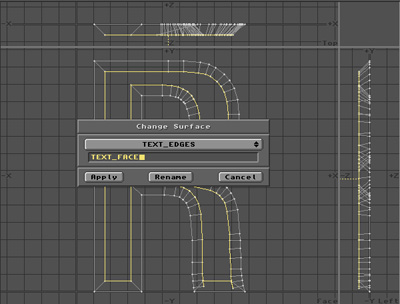
Step 3 - Change the surface of the currently selected polygon - the face - to a "FACE" surface. This way, it's easy to put different surfaces on the face and on the edges.
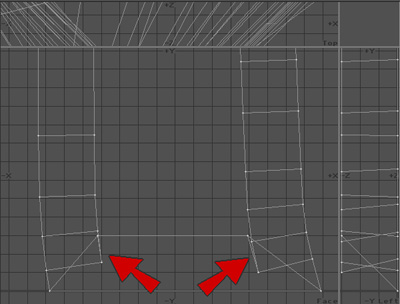
Now let's look up real close. The bad points will be either points sticking out vertically or points sticking out horizontally or both.
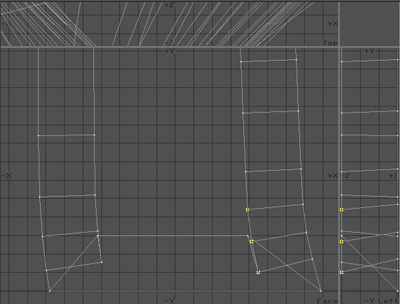
Step 4 - Select all the points that stick out past the inner bevel corner, and one or two good ones just inside. Don't select the one good corner point.
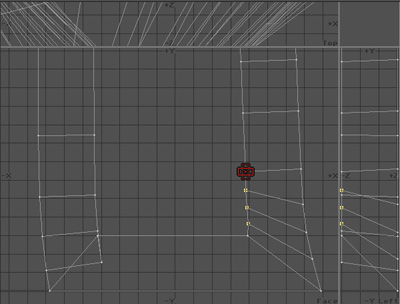
Step 5 - Using the STRETCH tool, stretch the bad points towards a good point on the same edge that's on the inside of the bevel, until all the bad points are on the inside too and therefore become good points.
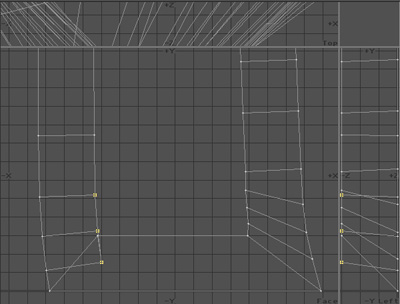
Repeat steps 4 and 5 for the other side. Select the bad points.
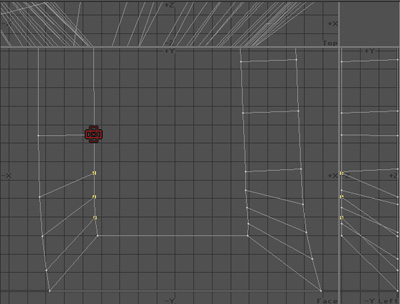
Use the Stretch tool again to stretch them towards a good point. Don't use the Size tool, because it screws up your Z values.
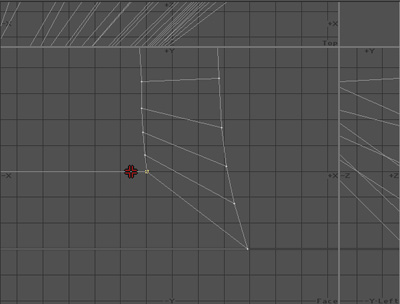
If you're picky, you can use the Move tool to fix up the one good point left at the corner.
Sometimes it needs to be moved a little bit along the line.
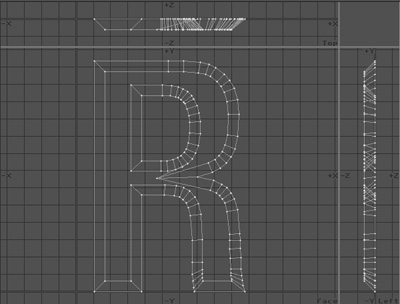
Voila! Make sure you check every sharp corner. One missed bevel glitch can completely mung your render.
No merging, no welding, just stretching.
Welding can change the geometry of the polygons in a way that mucks them up. It makes a bunch of triangles that meet at one point, and it doesn't look quite right when it's rendered. The method explained here makes bevels what they really should be.
Once you've done this to about 200 letters, you get pretty good at it and it's not really a bother at all. Quick and easy. - GLYPH
