- Open a new movie in Macromedia Flash
- Import the picture you want to apply the effect to
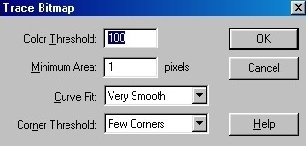
- Go to Modify>Trace Bitmap...
- And use these settings:
Color Treshold: 100
Minimum Area: 1 Pixels
Curve Fit: Very Smooth
Corner Threshold: Few Corners
- Go to File>Export... and save the image.
- Open it in photoshop and play around with it. Add some color by going to
Image>Adjust>Hue/Saturation... and play around with the sliders (Don't forget
to check the colorize button).
Before:
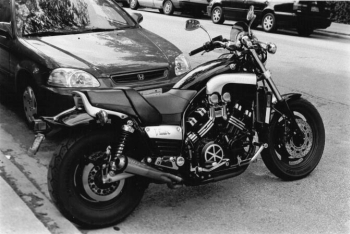 Click to enlarge
After:
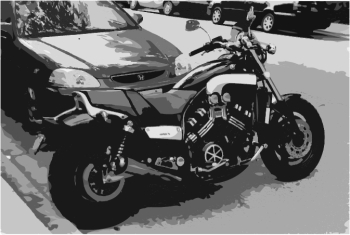 Click to enlarge
Her
Posterizing Images
Added:Oct 10, 2005 Rating:


 Level: Beginner Software:
n/a
Level: Beginner Software:
n/a
Level: Beginner Software:
n/a
