- Create a new image, any size (I created a 300x300 pixel one).
- Select the foreground color to black . And background color to white.
- Filter>Render>Clouds
- Filter>Pixelate>Crystallize
Cell size: 14
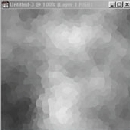
- Filter>Stylize>Find Edges
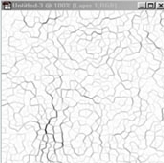
- Ctrl+A to select everything .
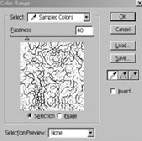
- Select>Color Range.
- Now, go to your image and select any white in the image. And Click Ok.
You should have something like this now.
- Press Delete.
- Select all again (incase you forgot how: Ctrl+a).
- Edit>Define Pattern.
- Go to an image you want to use this in.
- Create a new layer.
- Fill it with the pattern (use: Pattern) .
- Set layer mode to soft light.
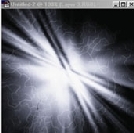
Her
Texture Thingie
Added:Sep 26, 2005 Rating:

 Level: Beginner Software:
Photoshop
Level: Beginner Software:
Photoshop
Level: Beginner Software:
Photoshop
