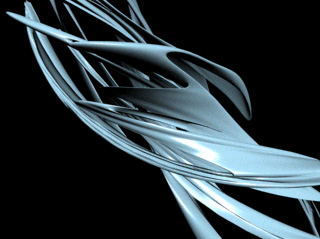
Open up 3D Studio Max, and go to create>>extended primitives>>torus knot. Draw a somewhat thin, large, torus knot in your perspective view.
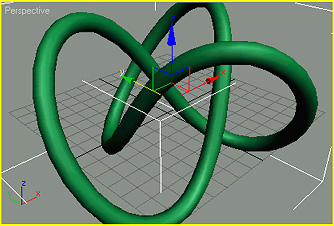
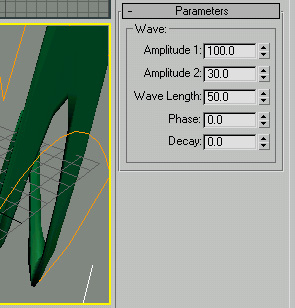
Under the Parameters menu on the right side of your screen, set your radius at 51, your segments at 140, your P at 2.0, your Q at 0.0, and make sure you have "knot" and not "circle" checked off under base curve. Now go to modifiers>>parametric deformers>>wave. Use the setting below.
Go to modifiers>>parametric deformers>>squeeze, and use the settings below.
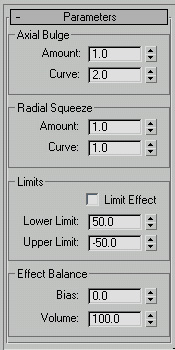
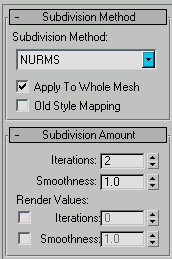
Now go to modifiers>>parametric deformers>>push and set the push value at 2.5. Again, go to go to modifiers>>parametric deformers>>twist. Set the angle at 453 and the bias at 2.0. Go to modifiers>>subdivision surfaces>>meshsmooth. Use the settings below.
Now you can change the colour, rotate, render, and you're done! Here is my final image.