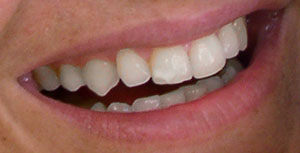
In this tutorial you will learn how to change yellow teeth to white bright teeth with a
few simple steps in Adobe Photoshop.
1. Select the image you want to edit.
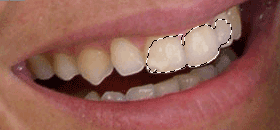
2. Now select the Magic Wand and click anywere on the teeth area.
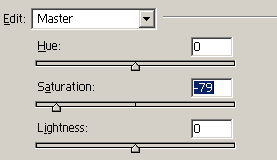
3. Press Ctrl+U for Hue/Saturation and set these settings:
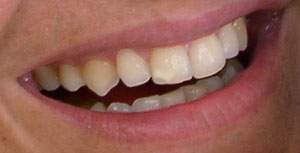
4. Now it should look like this: