Open any picture with eyes.
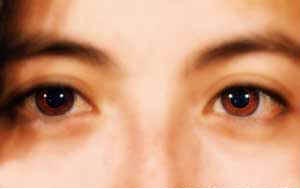
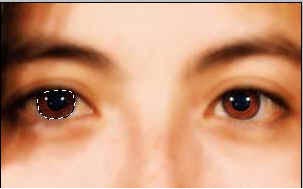
Zoom to the eye and use the Polygonal Lasso tool to select around the eye. Now copy and paste it to a new layer. Do the same with the other eye. Then click the eye icon next to the background layer so that only 2 eyes are visible. Go to Layer > Merge Visible. You now have both eyes on 1 layer.
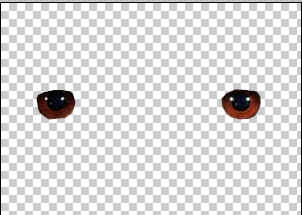
Now click on the layer with eye and press ctrl + u . Use these settings:
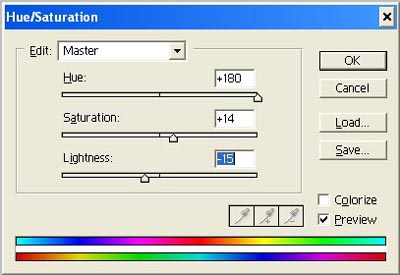
Make all your layers visible and you will see the result.
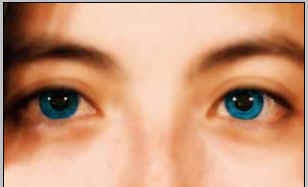
Her
Chsnge Eye Color
Added:Nov 14, 2005 Rating:
Less than 3 votes yet
Level: Beginner Software:
Photoshop
