


In this tutorial you will learn how to create moving car. I used the image below:
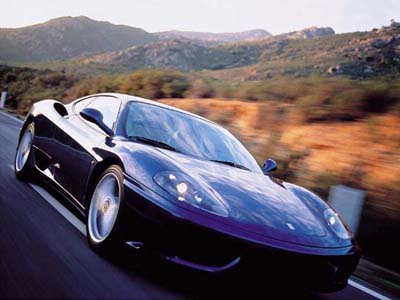
You have to check that the wheel's are moving. Go to Filter >
Liquify and start from the back:
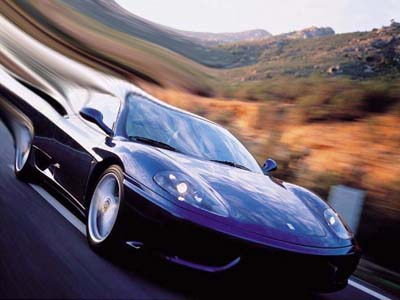
2. Now it's time to add lights to he car.
Go to - Filter > Render Lens Flare. Use the following settings:
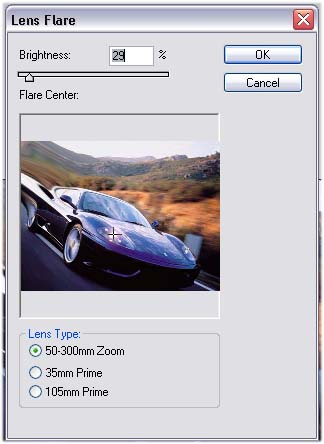
Repeat this 4 times and your image should look something like this:

