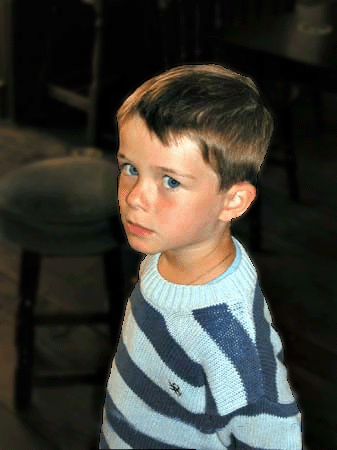
First of all take a picture a little boy:-
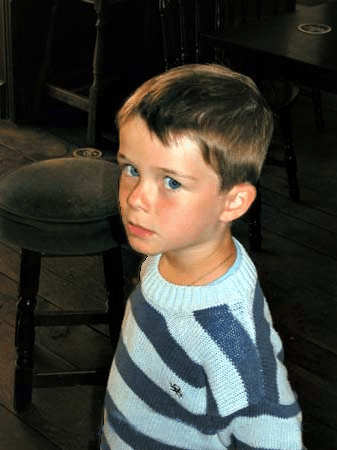
Click on the Pen Tool
 and
then select the boy like :-
and
then select the boy like :-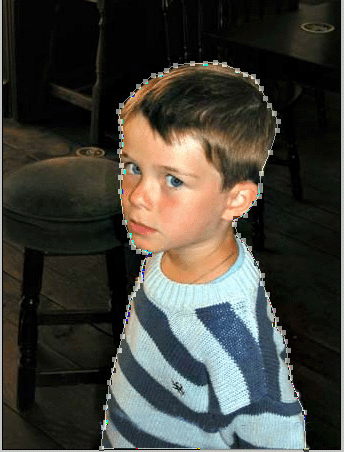
Now click on the Direct Selection Tool
 and
then Right Click / Make Selection :-
and
then Right Click / Make Selection :-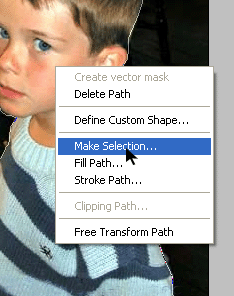
And use these options :-
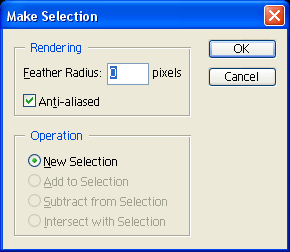
Click on OK and Now click on Select / Inverse :-
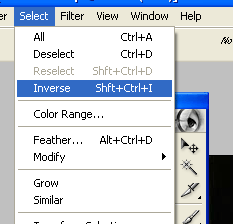
After that click on Filter / Blur / Guassion Blur :-
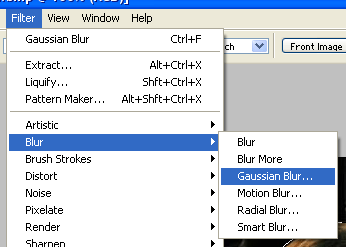
And use the following options :-
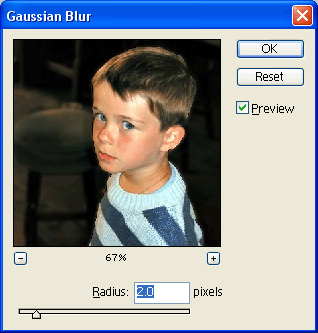
Press the OK and you are done :) :-