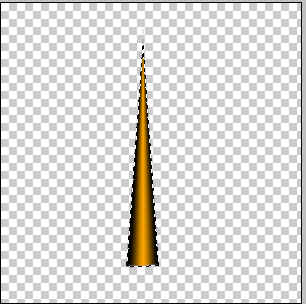
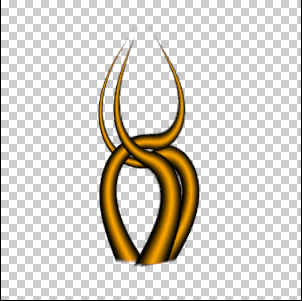
Welcome to the Tenticles tutorial.
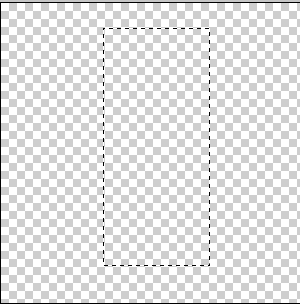
First of all make new 300x300 image and select the Rectangular Marquee tool. Create a rectangle.
Select Gradient tool
 and
its sub option
and
its sub option  .
Make sure that your colors are: Light=Foreground, Dark=Background. Drag the mouse from the
middle to the left in your workspace. It should look something like this:
.
Make sure that your colors are: Light=Foreground, Dark=Background. Drag the mouse from the
middle to the left in your workspace. It should look something like this: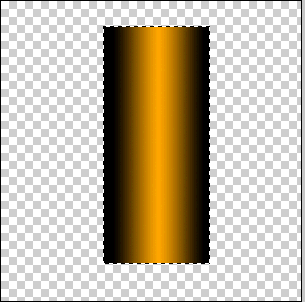
Go to Edit > Transform > Perspective and drag the top right corner to the center until it make a triangle. To fix your edges do Filter > Blur > Gaussian Blur with 1px radius.
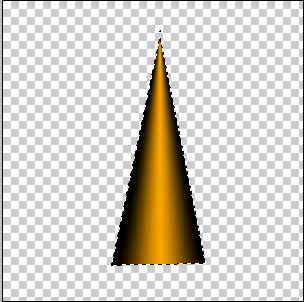
Press Ctrl + T and drag both sides into the middle. Duplicate the layer 2 times (Ctrl + J) and distort each layer using Filter > Distort > Twirl.