


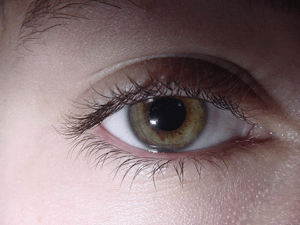
Open the image with the eye:
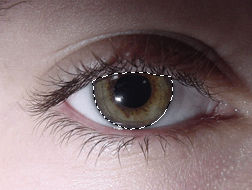
Click on the Magnetic Lasso tool and select the eyebal:
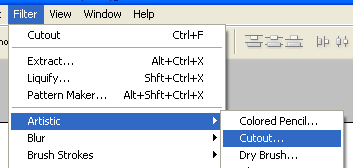
Click on Filter > Artistic > Cutout
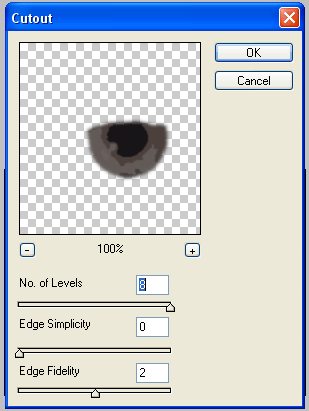
and use these options :
After that, click on Filter > Brush Strokes > Ink Outlines:
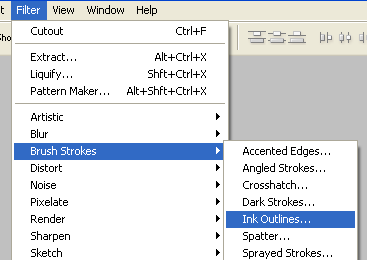
and use the following settings:
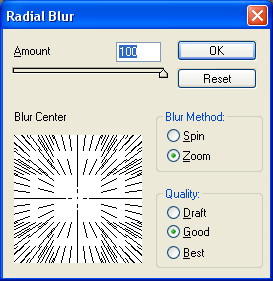
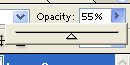
Set the opacity to 55% :
Press Ctrl + B and add blue color.
