


In this tutorial you will learn how to create a simple rain effect in Adobe Photoshop.
Open the image.
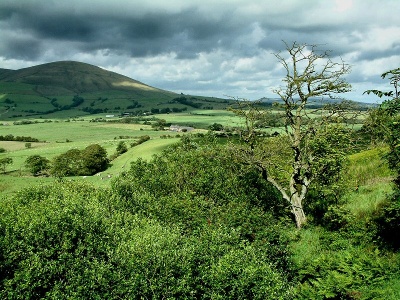
Click to enlarge
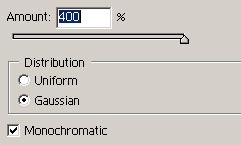
Go to Filter > Noise > Add noise with the following settings:
Now Filter > Blur > Montion Blur and use the following settings:
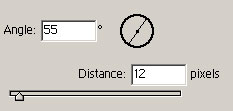
Image > Image Adjustment > Level and use the settings below:
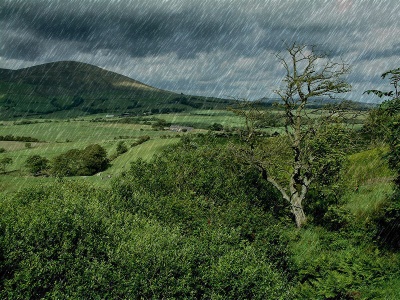
Click to enlarge
Change the opacity to 25 or 35 depending on the image.
