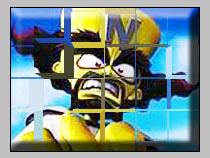
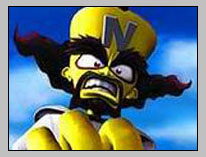
Step 1: First take a picture :
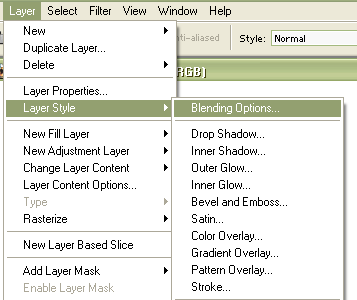
Step 2: Click on layer, Layer Style and then Blending Options:
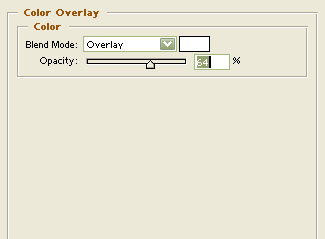
Step 3: Select Color Overlay with these Options :
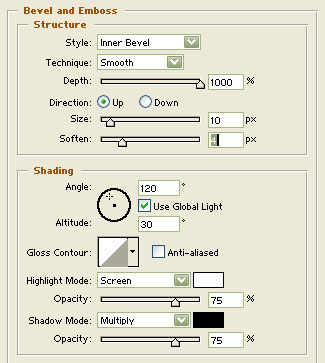
Step 4: Select Bevel and Emboss with these options:
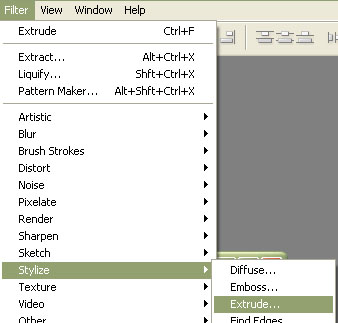
Step 5: Now click on Filter > Stylize > Extrude with these Options:
Step 6: Your Broken Picture is finished!