


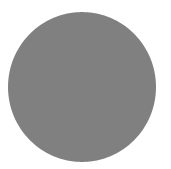
Step 1: First of all click on Ellipse Tools  and
make a circle look like that one:
and
make a circle look like that one:
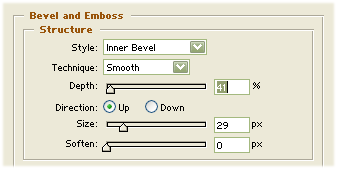
Step 2: Now push in keyboard ( F7 ) then write click on the shape and select Blending option then click on Bevel Emboss in the blending option:
Step 3: Now click on Ellipse Tools again
and make another cricle look like that:

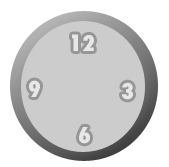
Step 4: Then write 3 . 6 . 9 . 12. in the clock look like that :
Step 5: Then click on Rectangle tools and make a line in the watch look like that one :
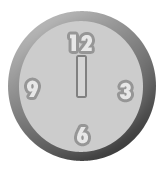
Step 6: Then make another line then it will be look like this:
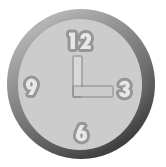
Your Effect is finished.
