


Step 1: First of all make a new window. Then change the colours in the toolbar:

Step 2: Now now go to Filter>Render>Different Clouds:
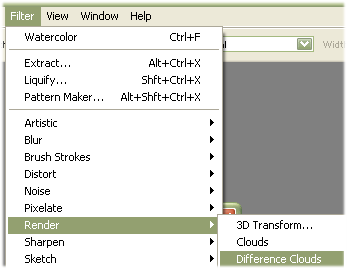
Step 3: Now now go to Filter>Render>Clouds:
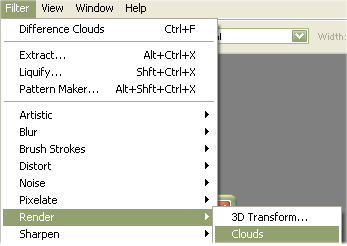
Step 4: Then click on Filter > Distort > Glass:
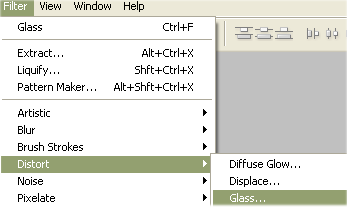
Step 5: Then use these settings:
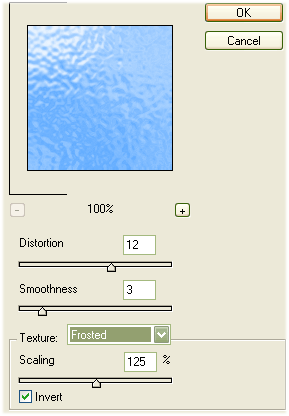
Step 6: Then it will look like this:
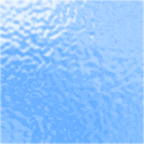
Your effect is finished.
