


Step 1: Create new document. Click on Elliptical Marquee tool  and
click on fixed size
and
click on fixed size
width: 19px
height: 19px

Step 2: Now make a circul and zoom it ( Ctrl + )
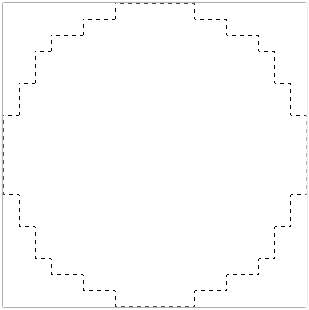
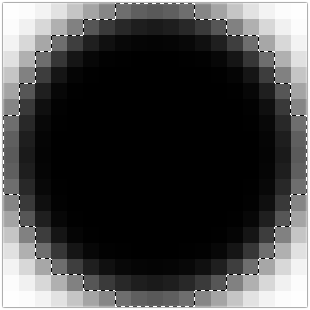
Step 3: Then click on Paint Bucket tool and
click in the middle of shape:
and
click in the middle of shape:
Step 4: Now click on fixed size again
width: 17px
hieght: 17px

Step 5: Make another circle looking like that :
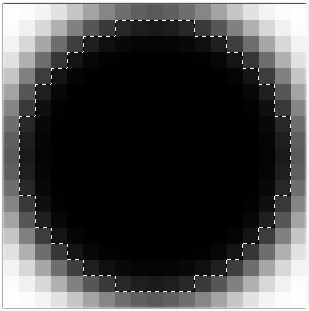
Step 6: Then click on Gradient tool  and
change the color:
and
change the color:

Step 7: Then holding mouse button move pointer from left to right:
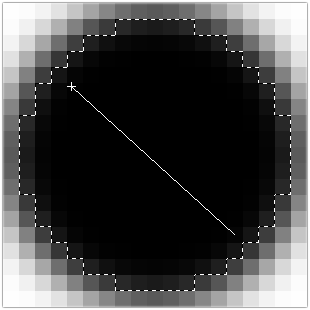
Step 8: It will be look like that:
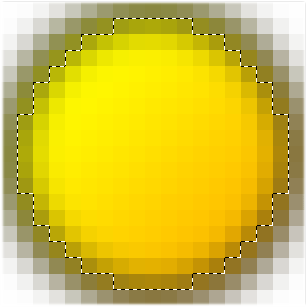


Hope you will enjoy it.
