Step 1: First click on Rectangle tool  and
make a shape look like this:
and
make a shape look like this:

Step 2: Then click on Custom Shape:
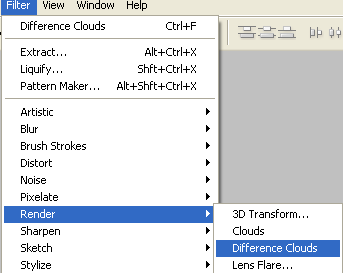
Step 3: And make some star in this shape look like this one:
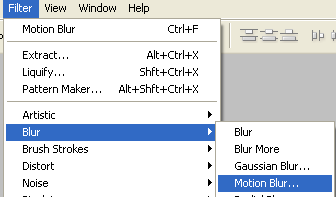
Step 4: then click on Filter/Render/Lighting Effects in these option:
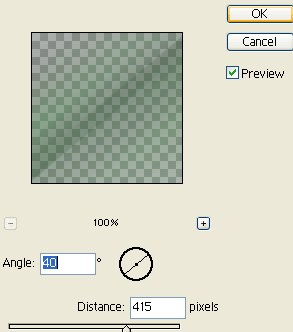
Step 5: Then see these options:
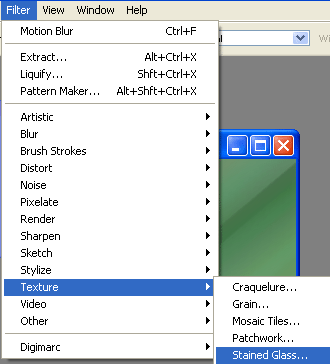
Step 6: Then see these options:
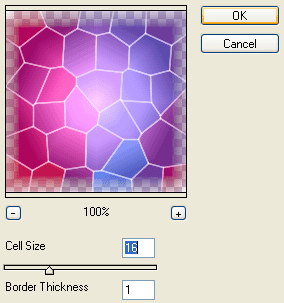
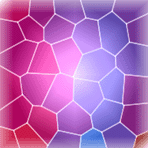
Step 7: At last your Background is finished: