Step 1: Open a new file and press ALT + T + R+ D:

Step 2: Now press ALT + T + D + ENTER + T and set these options:
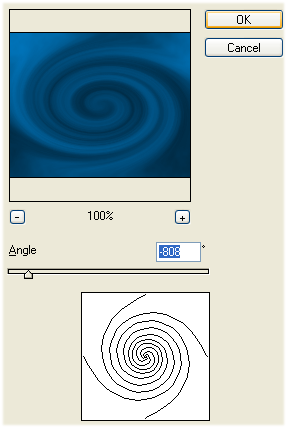
Step 3: Press ALT + L + J + H:
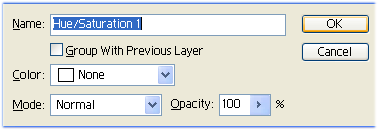
Step 4: Set these options:
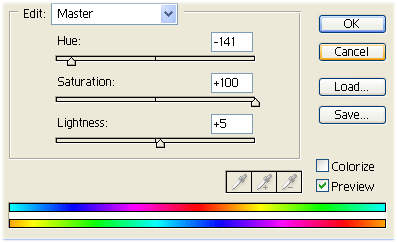
Step 5: Now it should look like this:

Her


 Level: Beginner Software:
Photoshop
Level: Beginner Software:
Photoshop Step 1: Open a new file and press ALT + T + R+ D:
Step 2: Now press ALT + T + D + ENTER + T and set these options:
Step 3: Press ALT + L + J + H:
Step 4: Set these options:
Step 5: Now it should look like this:
