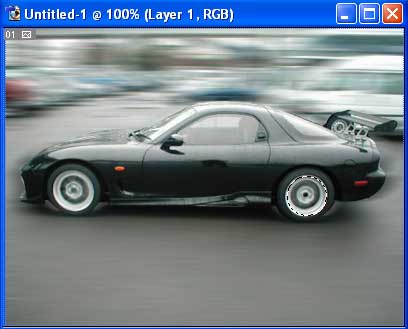
Learn how to take a non moving car and make it look like it is moving.
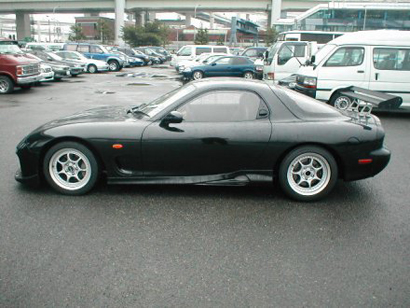
First open the car image, we use this:
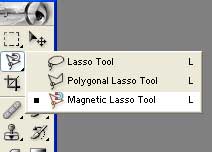
Use the Magnetic Lasso Tool:
Select the car outline and do this:
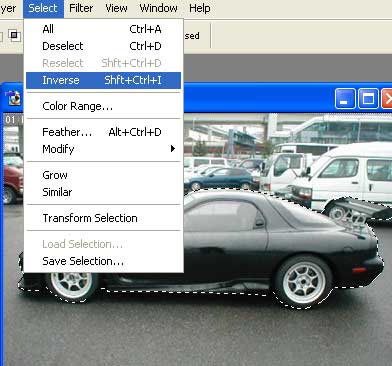
Then go to this following the setting:
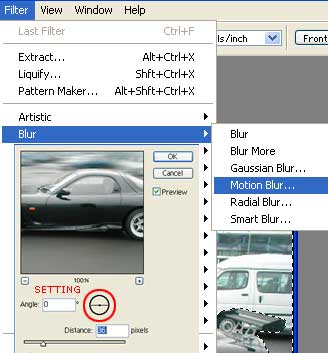
And you have this:
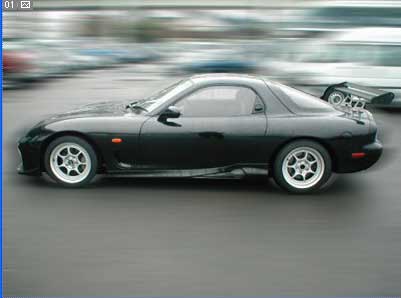
Now, use the Elliptical Marquee Tool:
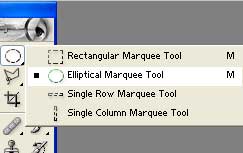
Make a circle on the rim:
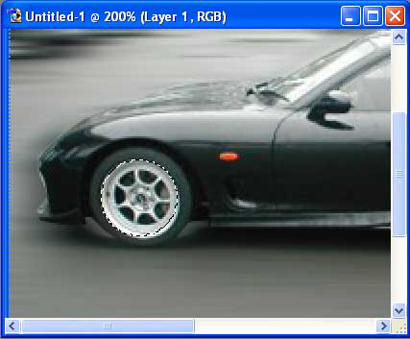
And do this follow the setting:
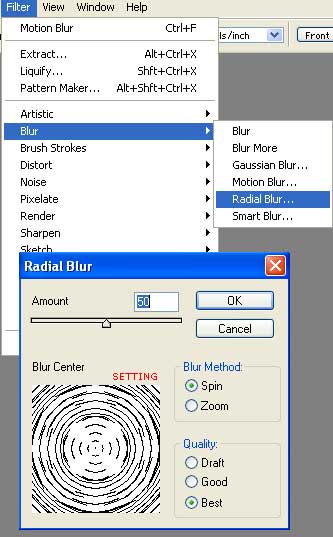
Do the same to the other rim, and you'll get this: