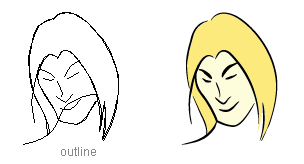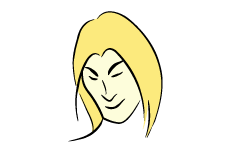

This tutorial will show you how to draw comic style outline strokes with Adobe Illustrator Art Brush.
1. Create an Art Brush
Use the Pen Tool and create a path like the image on the left. Drag it to the Brushes Library pallate. If your Brushes is not showing, go to Window > Brushes of press F5.
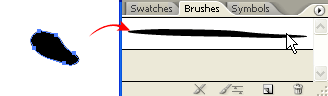
New Art Brush
When the New Brush options window popup, select New Art Brush.
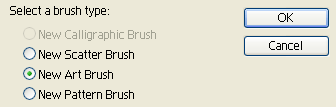
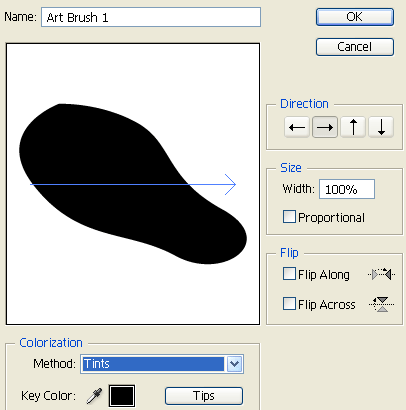
Art Brush Options
Then the New Art Brush Options will pop out, leave everything as default, but select Tints for Colorization Method. Click Ok.
2. Apply your strokes
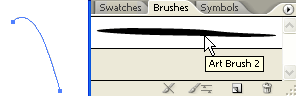
Now you can apply this Art Brush to any stroke by clicking the Art Brush in the Brushes library.
Bonus Tips
You can change your stroke color and weight to get various stroke effect.