

Do you like the new Photoshop CS2 splash graphic? Want to learn how to make it? This tutorial shows you how easy it is to create the Photoshop CS2 splash graphic with Adobe Illustrator.
1. Create the feather paths
First create the paths of the feather with the Pen Tool.

2. Apply Gradient color
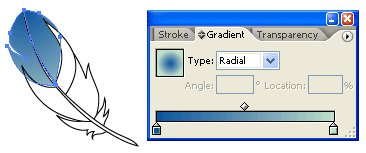
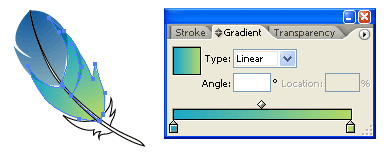
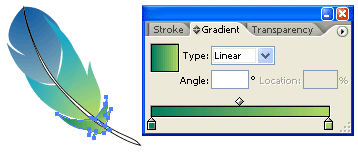
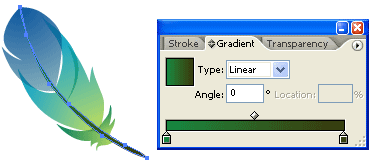
Select the top 2 paths, fill it with Radial Gradient, pick similar colors as shown. Then repeat this step for the rest of the paths.
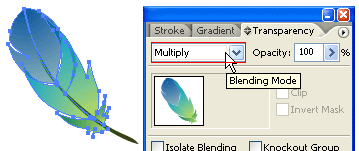
3. Apply Multiply
Select all the feather paths, go to Transparency pallate, select Multiply.
Final
Now you can duplicate the feather and lower the Opacity (Transparency).